
Real Celtic knotwork for the things you make
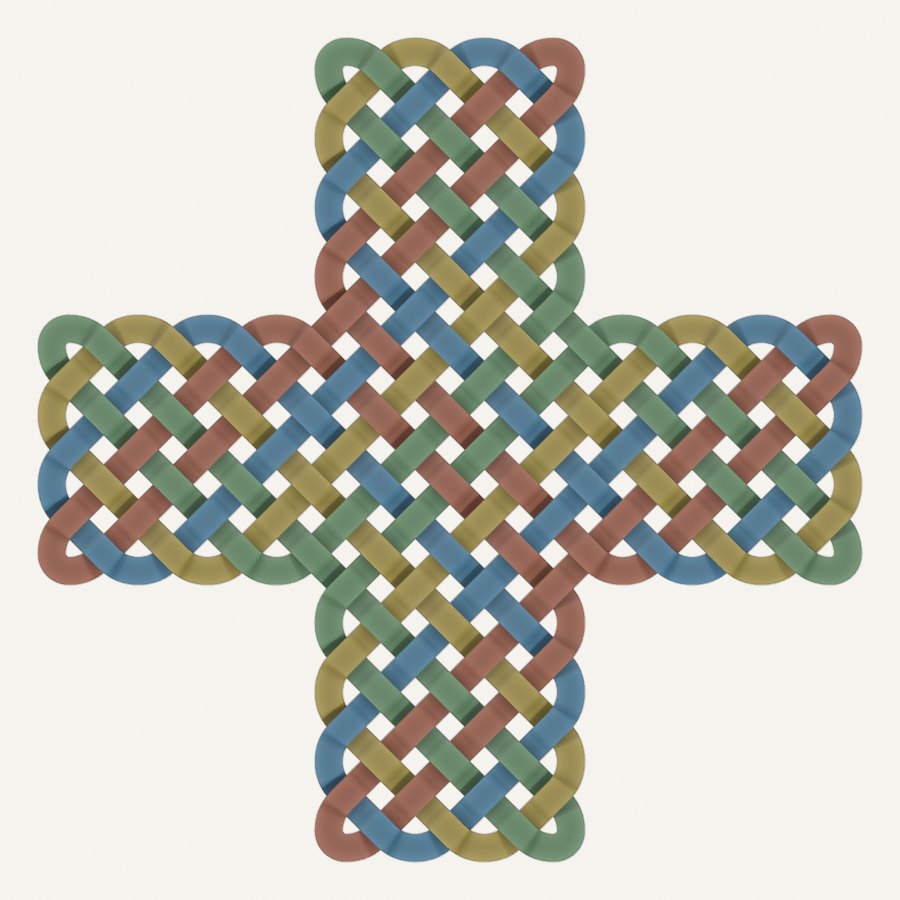
A plaque with a name and an interlaced border. A pendant. A coaster engraved for a wedding. A carved panel, a laser-cut sign, a piece of digital art. Celtic3d Knotwork draws the knot for you — the way the carvers of the Pictish stones laid it out — and gives you a file your 3D printer, laser cutter or CNC router can make.
Windows, macOS and Linux. Both editions allow commercial use of what you make.
What it is, in plain words
Blender is a free 3D design program, used everywhere from film studios to home workshops. An add-on is a piece of software that fits inside Blender and gives it a new skill. Celtic3d Knotwork is an add-on that gives Blender one skill: it draws Celtic interlace correctly, as solid 3D shapes you can print, cut, carve or render.
You set out a grid, place the breaks that shape the pattern, and the knot draws itself — strands weaving over and under, closing into loops, rebuilding as you edit. When it looks right, you export: a solid for 3D printing or CNC, or an SVG in millimetres for the laser.
Never used Blender?
You do not need to learn it. The add-on’s own panel is the whole job: pick a shape or a bundled pattern, adjust it, export. If you can use a 2D drawing program, you can do this.
The adventurous path: install Blender (free, from blender.org, about ten minutes), install Knotwork Free, and follow the plaque tutorial below. If that is not for you, you now know what Celtic3d Knotwork does — and you are welcome to ask us about a made-to-order piece.
Already use Blender?
Knotwork is a Geometry Nodes add-on with its own tab in the sidebar (press N). Grids with editable wall and secondary breaks; flat, L, cross, border and frame layouts; rings, cylinders and toruses in Pro; ribbon, cord, bevelled, tramline and custom profiles; true weave or relief; a fabrication build that fuses the strands into one watertight solid on a base plate; STL, OBJ and SVG at 1 mm per unit.
Blender 5.2 LTS. No telemetry; the only network call is Pro activation.
Free or Pro?
Start with Free. It is a complete tool, not a demo: flat designs, both break types, weave and relief, the base plate and every export, for personal and commercial work. Pro adds the closed shapes — rings, cylinders and toruses — and more ways to shape the strands.
| What you can make and do | Knotwork Free | Knotwork Pro |
|---|---|---|
| Flat panels, borders, L-shapes and crosses | ✓ | ✓ |
| Edit the grid and its breaks; save and load your own patterns | ✓ | ✓ |
| Ribbon and cord strands | ✓ | ✓ |
| Over-and-under weave, carved relief, and a base plate for making | ✓ | ✓ |
| STL, OBJ and SVG export | ✓ | ✓ |
| Ten bundled patterns citing Bain and Meehan | ✓ | ✓ |
| Rings, cylinders and torus layouts | — | ✓ |
| Bevelled, tramline and custom strand profiles | — | ✓ |
| Updates | Free releases as published | Blender’s own Update button; 12 months of updates included |
| Direct email help | — | 12 months included |
| Price | Free — a Celtic3d account, no card | £25 / $34 for the first year, three machines |
Both editions also include experimental triangular grids (flat panels only). SVG export and the base plate work on flat layouts, including Pro rings; not on cylinders or toruses.
See it in a real project
Make a Welcome plaque with raised lettering and an interlaced border, using Knotwork Free. The walkthrough shows the editable pattern, the lettering and the Fabrication panel, including a direct Boolean attempt that explains why the fabrication workflow helps.
The tutorial was recorded on Blender 4.2. The shipped add-on requires Blender 5.2 LTS; every operation shown is identical in 5.2.
Follow the illustrated plaque tutorial · Watch on YouTube
Built by the book
The patterns are not traced from pictures. Celtic3d Knotwork builds them by the method George Bain documented — the grid of dots, the plait, the breaks that turn a plait into a knot — extended with Aidan Meehan’s secondary-grid breaks. Every bundled pattern names the plate or figure it follows, so you can hold the output against the source.
That is the difference from the free knot generators you may have tried: they wrap a rope around a mesh. This builds the interlace the way the carvers laid it out, which is why a jeweller, a mason or a signmaker can put it on a piece without apology.
The sources. George Bain, Celtic Art: The Methods of Construction (Dover reprint, ISBN 978-0-486-22923-2 — the edition the bundled patterns cite by plate and page) and Aidan Meehan, The Celtic Design Book (Thames & Hudson, 2007, ISBN 978-0-500-28674-6). Both are in print; neither is needed to use the add-on, and both are worth owning if you want to understand what it is doing.
From screen to workshop
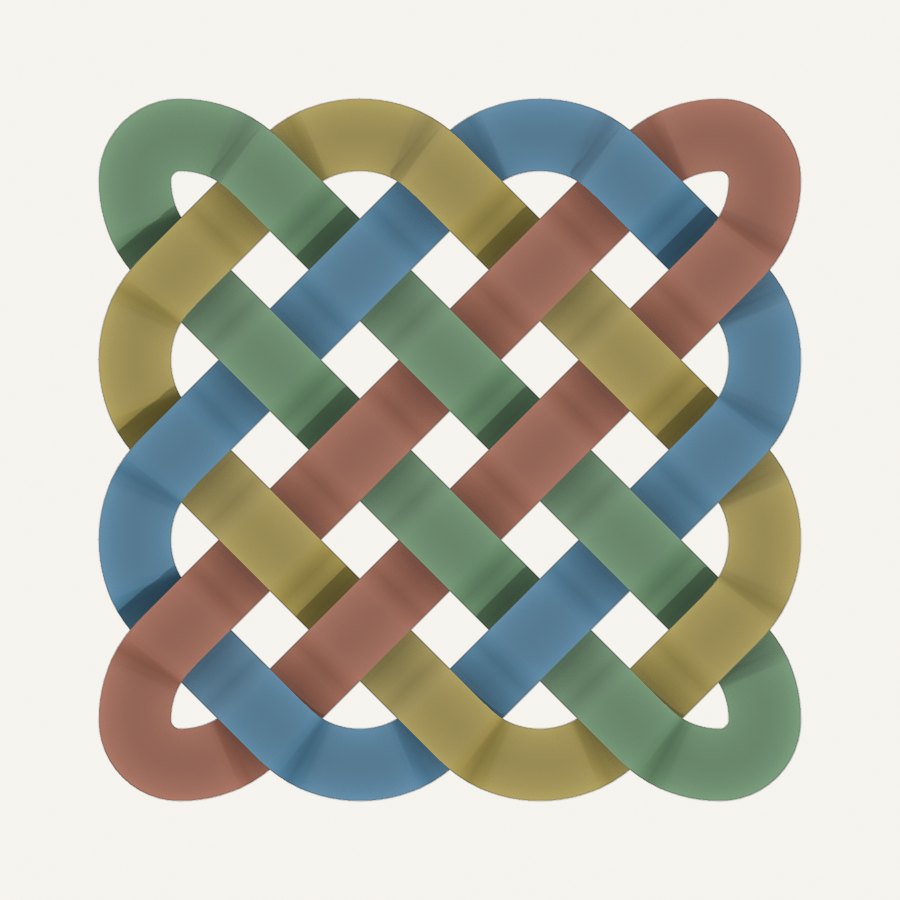
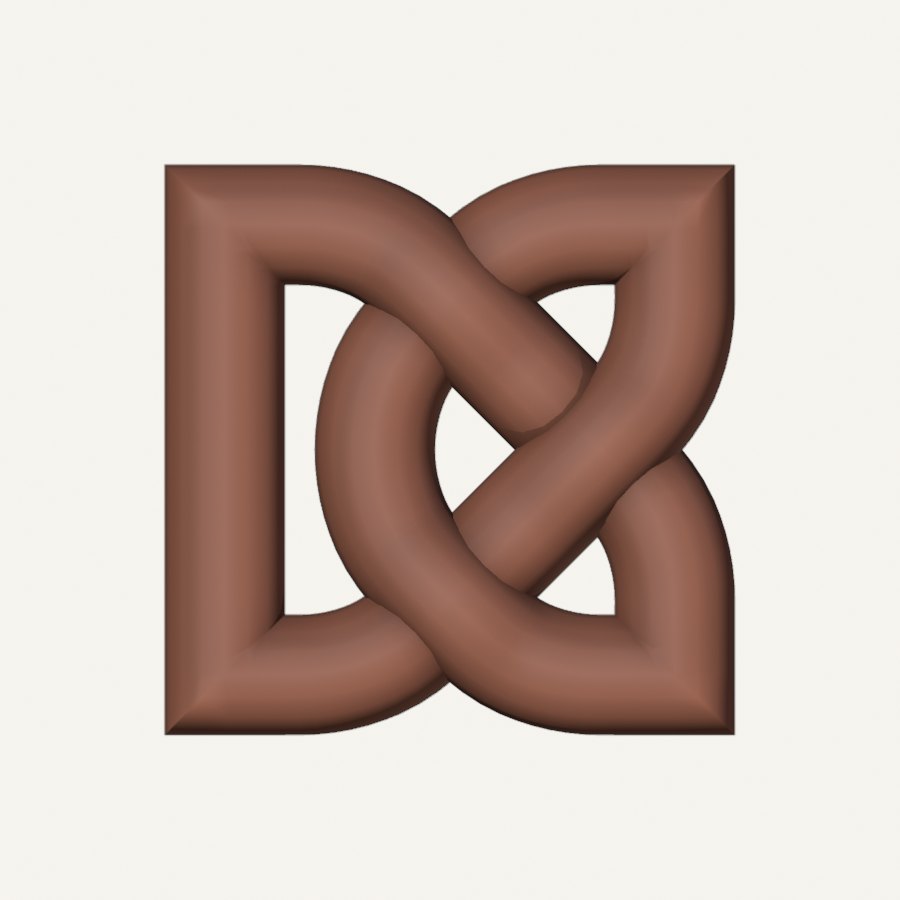
Use a full over-and-under weave for 3D artwork, or relief for a shallower, carved finish — each under-pass cut short of the strand crossing over it. For flat designs, build the knotwork onto a base plate, embossed or engraved, preview the build in the scene, then export for the next stage of making.
STL and OBJ for printing and milling; SVG outlines and strand centrelines for the laser, written at one millimetre per Blender unit whatever your scene settings say. Check the final dimensions and settings for your own printer, cutter or CNC process.
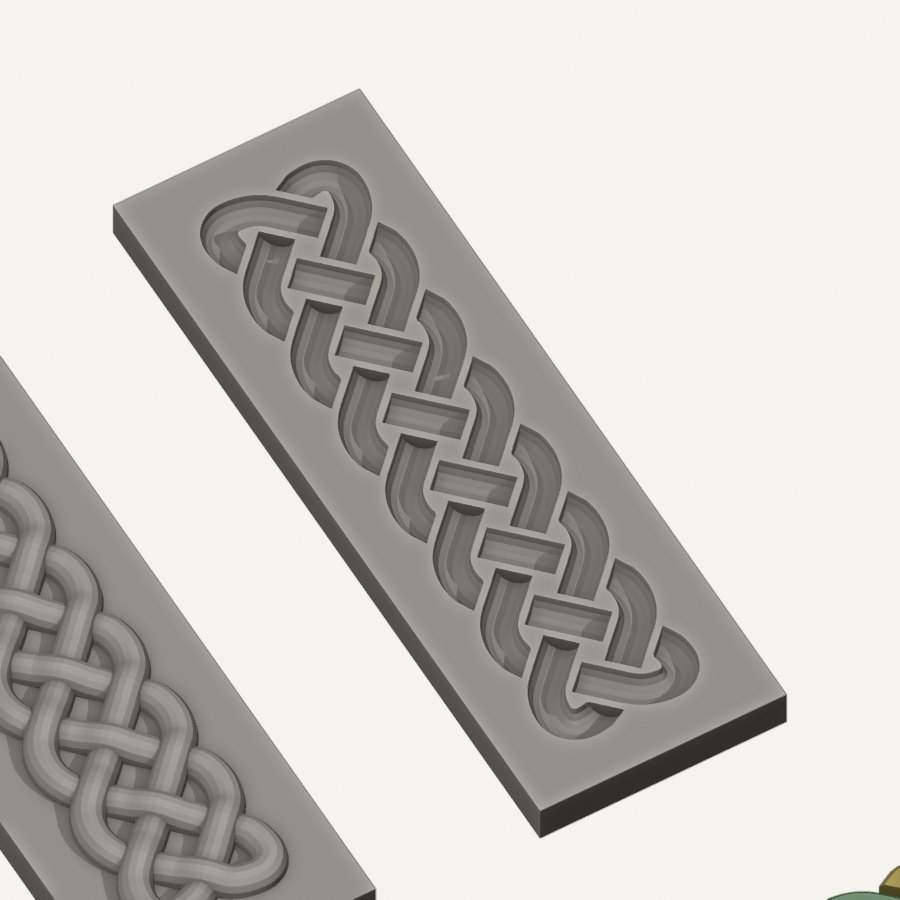
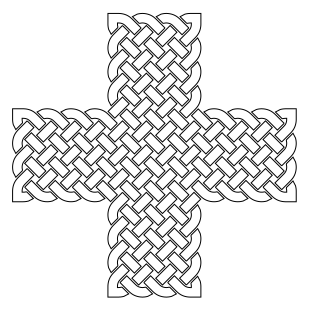
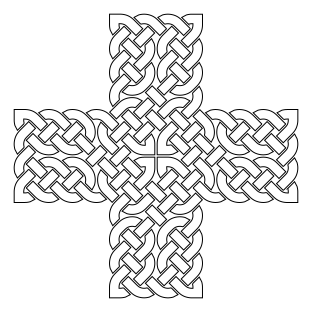
These laser files came out of the add-on unedited — the Ulbster cross as a plain plait on its grid, and the same grid with breaks painted to shape the design. Each is the relief outline, ready for the cutter:
Knotwork Pro
£25 / US$34 for the first year
Three machines, 12 months of updates and direct email support. Plus VAT where it applies.
30-day money-back guarantee, no questions asked · VAT invoice from Freemius, our merchant of record · Made in Aberdeen by the person who answers your support email
Pro renews automatically each year at a 30% discount, £17.50 / US$23.80 plus tax. You get a reminder 30 days before, and you can cancel any time before the renewal date from your Freemius account. The charge on your card appears as Freemius Software; Freemius takes the payment, issues the invoice and handles VAT on our behalf.
If your subscription lapses, the add-on keeps working. You can go on using, re-downloading and reactivating the versions released during your paid term, on your machines. Renew when you want newer releases and direct support.
Need more than three machines? Choose the machine count when you buy — the per-machine rate falls a little as the count rises. To add machines to an existing key later, use the licence update in your Freemius account: you pay a new year at the larger size, the larger allowance applies immediately and at renewal, and the time left on your current year is added on to the new term. If you need additional help changing the machine quota, contact us at support@celtic3d.com.
How Pro activation works
Your licence key arrives in the Freemius receipt email, and the same email links to the download page. Install the zip in Blender, open the add-on’s Licence box in its preferences, paste the key and press Activate. That is the only time the add-on goes online on its own account: after activation, ordinary use is offline, with no background licence checks and no telemetry. New releases appear in Blender’s Get Extensions as an Update — refresh the list, or restart Blender, and press it.
Each activation uses one of your machines. Deactivate before uninstalling or moving to a new computer; if you forget, free the machine from your Freemius account.
Licence and your work
The add-on’s Python code is open source under the GPL. The node groups and pattern data it ships with are Celtic3d’s own and are licensed to you, not redistributed. Everything you generate with it belongs to you, for personal or commercial work, in both editions.
Questions
Do I need to know Blender? No. The add-on’s sidebar panel is the whole workflow — grid, breaks, profile, export. If you can use a 2D drawing program you can use this. Blender itself is free to download from Blender.org. If you use it, especially for commercial use, please consider donating via the links on Blender.org.
What can I make with it? Anything that takes a solid or a cut line: pendants and rings (a ring is a closed layout, Pro), plaques and signs, coasters, memorial and architectural panels, laser-cut and CNC-routed pieces, 3D-printed ornament, and rendered artwork.
Does it do key patterns, spirals or Pictish beasts? Not yet. This release is interlace. Those are on the roadmap with no dates promised.
Can I export DXF or STEP? Not in this release. SVG in millimetres covers laser and vinyl work; STL and OBJ cover printing and milling.
Is the triangular grid ready for work? It is usable and shipped as experimental: flat panels only, no closed placements, and the strands run narrower than on the square grid. The two bundled triangular patterns show what it does.
Where does my data go? Nowhere from the add-on except at activation and when you press Update, both to our download service and Freemius. There is no telemetry. The Free edition makes no network call unless you activate a Pro key in it, which upgrades it in place.
Where do I get help? Ask Celtic3d’s AnswerRails assistant for a starting point; it draws on our product knowledge. For billing, your account, or anything that needs a person, write to support@celtic3d.com or contact Celtic3d. Pro includes direct email help during the paid term; Free users can report bugs the same way — we read them, but cannot promise individual replies.
Made from experience, inspired by heritage
I’m Gavin Bain, founder of Celtic3d. This work brings together 35 years in corporate IT with my passions for digital art, technology, making things and Scottish heritage.
Historical references guide my work with Scottish heritage. With Knotwork, the construction techniques documented by Bain and Meehan provide a foundation for tools that help you create something of your own. It sits alongside our Scottish clan crests, custom modelling work and AnswerRails, which helps make our knowledge easier to use.
A good first project
Try a personalised plaque: add a name, frame it with knotwork and prepare the finished model for printing. Our guide to adding text to 3D objects in Blender is the place to begin.